
HAPPRUN H1
4.3Editor score
Native 1080p resolution
Up to 200-inch display
HDMI gaming connection
Built-in stereo speakers
A projector designed around Nintendo Switch gaming should deliver a large, clear picture, responsive controls, simple connection options, and enough sound to make action games feel immersive. It also needs to fit the space where you play, whether that is a bedroom, living room, backyard, or travel setup.
The ten projectors in this guide were compared using their stated resolution, brightness, connectivity, audio, portability, installation features, and gaming compatibility. The list covers budget mini projectors, portable smart models, larger entertainment systems, and a premium short-throw gaming projector.
Each review explains the projector’s strongest features, practical limitations, and ideal use case. Rankings reflect how well the available specifications suit Nintendo Switch play, while current prices and availability can change over time.
4.3Editor score

4.7Editor score

As an Amazon Associate we earn from qualifying purchases.
The comparison below highlights each projector's stated resolution, display capability, wireless features, and gaming relevance, making it easier to identify the right model for a Nintendo Switch setup.



The Aurzen Roku TV D1R combines a native 1080p portable projector with a built-in Roku TV interface, earning a 4.6 rating among the products considered. For Nintendo Switch players, its strongest attraction is the combination of direct HDMI connectivity and integrated streaming, reducing the number of separate devices required for a flexible home entertainment system.
We may earn a commission when you buy through this link, at no additional cost to you.
The stated 1080p resolution suits the Switch's standard and high-resolution output, while the projected image can reach 60 to 150 inches depending on placement. Automatic focus and automatic keystone correction make repeated setup easier, especially when the projector is moved between a table, wall, or other position. Dual 5W speakers provide more substantial built-in audio than many compact alternatives, and Bluetooth 5.2 allows compatible headphones or speakers to handle the audio when desired.
There are some trade-offs. The product requires a Roku account and an internet connection for activation, which may be unnecessary if you only intend to game through the Switch. A cooling fan also produces steady sound, with the listed maximum noise measurement reaching 38.9 dB(A) at one meter. In a quiet bedroom, that noise may be more noticeable than in a busy living room or outdoor setting.
The D1R is best for buyers who want one portable device to cover gaming, streaming, and casual media playback. Nintendo Switch owners can connect through HDMI, while the built-in Roku platform makes it unnecessary to add a streaming stick for everyday apps. It is our top overall choice for its combination of smart functions, automatic setup, useful audio, and flexible screen size.
Built-in Roku TV access removes the need for a separate streaming stick when watching supported applications. The remote and Roku mobile app also provide convenient ways to browse content, enter text, or use voice commands.
Automatic focus and keystone correction reduce the need for manual adjustment when the projector is moved. These features are especially useful for Nintendo Switch sessions in rooms where a perfectly level placement is difficult.
We may earn a commission when you buy through this link, at no additional cost to you.
The HAPPRUN H1 is a straightforward native 1080p projector with a 4.3 rating, and it stands out as an affordable option for Nintendo Switch owners who want a large display without a complex smart-projector setup. Its 1920×1080 native resolution is a meaningful advantage over basic models that merely accept high-resolution input.
We may earn a commission when you buy through this link, at no additional cost to you.
The H1 supports an image of up to 200 inches and includes an HDMI cable, making direct connection to a Nintendo Switch dock or suitable adapter straightforward. Its desktop, tripod, and ceiling installation options give players flexibility in choosing a permanent or temporary setup. Built-in stereo speakers cover basic game audio, while Bluetooth 5.3 can send sound to compatible speakers or headphones for a more private or fuller experience.
This is not a fully smart projector. Streaming applications require a compatible Fire TV Stick, Chromecast, or another external device, which is sold separately. Bluetooth is also an audio-only feature rather than a method for transmitting the Switch's video. Some Switch games and accessories may therefore require more planning than they would on a projector with integrated smart applications.
The H1 is an excellent value-oriented choice for players who mainly want crisp 1080p gaming, a potentially huge image, and simple HDMI connectivity. It is less suitable for someone expecting a fully integrated streaming system, but it covers the essentials with a compact design that can move among bedrooms, apartments, campsites, and backyards.
Native 1920×1080 resolution supports a sharp, detailed presentation for standard Switch content. Direct HDMI connectivity provides a more dependable gaming path than wireless screen mirroring.
The built-in stereo system handles everyday gaming, while Bluetooth 5.3 allows players to use external headphones or speakers. That flexibility is useful late at night or when the projected image is shared with other people.
We may earn a commission when you buy through this link, at no additional cost to you.
This compact projector has a 4.1 rating and is one of the few products in the list that explicitly identifies Nintendo Switch compatibility among its intended HDMI devices. It also offers native 1080p resolution, 1200 stated ANSI lumens, automatic focus, and automatic keystone correction, giving it a useful mix of features for Switch gaming.
We may earn a commission when you buy through this link, at no additional cost to you.
Its 180-degree rotation makes it possible to project onto a wall or ceiling, a useful option for bed-based gaming or unusual room layouts. Preinstalled applications and Android 12 mean users can also stream supported content without adding a separate stick. Dual-band WiFi 6 and Bluetooth 5.4 provide modern wireless connectivity, although Bluetooth is limited to audio transmission.
The main concern is the absence of a published input-lag figure. Fast reaction-dependent games may be less satisfying if the projector introduces noticeable delay, so prospective buyers should investigate the manufacturer's current performance information and user feedback. Its 4.1 rating also suggests less consistency than the higher-rated alternatives in this guide.
Despite that caution, this projector is a practical choice for Nintendo Switch players who value flexibility, stated brightness, and ceiling projection over the highest possible rating. It works particularly well for multiplayer sessions, cartridge-based games, and players who want one compact device for both gaming and streaming.
The 180-degree rotating body allows the image to move from a wall to the ceiling. That versatility can transform a bedroom into a more immersive screen for compatible Switch games and streaming content.
Electric focus and automatic keystone correction help create a sharp, rectangular picture after setup. They are particularly valuable for a compact projector that will be moved frequently rather than permanently mounted.
We may earn a commission when you buy through this link, at no additional cost to you.
The Aurzen D1R air combines a 4.5 rating with a portable Roku TV design that is especially useful for Nintendo Switch owners who move their gaming setup between rooms. Its native 1080p output, 300 stated ANSI lumens, and automatic setup tools offer a balanced combination of image clarity and convenience.
We may earn a commission when you buy through this link, at no additional cost to you.
A smooth-damping gimbal stand rotates the projector and remains stable while the bottom power design keeps cables outside the rotation path. This makes it easier to change the angle or project toward a ceiling without a cable blocking the image. The listed dimensions of 5.35 by 4.33 by 10.12 inches and weight of 1.18 kilograms remain portable for a larger smart projector.
The 65W-plus USB-C power input requires a compatible source outputting 20V/3.25A with a suitable 5A E-Marker cable. It can work with an appropriate wall adapter, laptop charger, power bank, or separately sold Aurzen PowerBase Stand. Image quality is strongest in a dark or low-light room, and direct sunlight should be avoided.
This model is a strong fit for players who prioritize flexibility and want a screen suitable for a bedroom, living room, or outdoor session. HDMI, USB, audio-out, and USB-C ports provide practical connection options, while Bluetooth 5.2 and dual-band WiFi cover wireless audio and streaming needs.
The gimbal-style base changes projection angle while resisting unwanted movement. Bottom power routing also reduces cable interference when the projector is rotated toward a wall or ceiling.
HDMI serves as the primary route for a Nintendo Switch dock, while USB and audio-out broaden media and sound options. Bluetooth 5.2 can also send the projector's audio to compatible wireless equipment.
We may earn a commission when you buy through this link, at no additional cost to you.
The TMY V08 combines native 1080p projection, a stated 32-to-220-inch image range, and an included 80-inch folding screen. It has a 4.3 rating and explicitly lists Nintendo Switch among the compatible gaming consoles, making it a practical all-in-one choice for temporary gaming setups.
We may earn a commission when you buy through this link, at no additional cost to you.
Unlike many basic projectors, the V08 includes a folding 80-inch screen that folds for storage and travel. A screen can improve perceived contrast and color compared with an unfinished wall, particularly for Nintendo Switch sessions. Built-in HDMI and USB ports support the Switch dock, streaming devices, computers, disc players, and USB media.
The package is still not a universal connection solution. Phones and tablets require an appropriate HDMI adapter, which is not included. HDCP can also prevent screen mirroring from certain applications, although direct HDMI playback, a compatible TV stick, or a computer can provide alternatives. Two-way Bluetooth is useful for external audio and for playing phone or tablet music through the projector.
The V08 is best for Nintendo Switch owners who want a complete portable entertainment kit rather than only a projector. Its broad image range, included screen, and straightforward console compatibility make it well suited to backyard movie nights, camping, and casual multiplayer gaming.
The included folding screen removes the need to choose a separate viewing surface. It can also produce a more controlled image than a blank wall, which helps when colors or contrast matter.
Two-way Bluetooth supports both external speakers and standalone music playback. Players can use headphones for private sessions or connect a larger speaker system for group gaming.
We may earn a commission when you buy through this link, at no additional cost to you.
The Aurzen Roku TV E1R has the highest listed rating in this guide at 4.7, and it offers the most balanced combination of portability, smart features, sound, and flexible placement. It is a particularly attractive projector for Nintendo Switch players who want a compact unit that can move easily from a bedroom to a larger entertainment area.
We may earn a commission when you buy through this link, at no additional cost to you.
Its integrated Roku TV interface gives direct access to supported streaming applications without a separate device. The built-in stand rotates 180 degrees, enabling tabletop, wall, and ceiling viewing, while a 1.12:1 throw ratio creates a 20-to-120-inch image from a relatively short distance. Automatic vertical keystone correction helps straighten the picture when the unit is not perfectly aligned.
The product listing does not state a native resolution, so buyers should verify current display specifications before purchasing. A top focus wheel also requires manual fine-tuning, unlike projectors with fully automatic focus. Two-way Bluetooth 5.2 supports sending audio to headphones or speakers and receiving music from a phone or tablet.
Despite those limitations, the E1R is our top overall pick because its 4.7 rating, compact form, built-in streaming, flexible stand, and useful audio functions cover the needs of most Switch gaming setups. It is especially well suited to players who alternate between handheld-style console games, streaming entertainment, and large-screen sessions in small or medium spaces.
The rotating stand lets users redirect the image without relocating the entire projector. Its relatively short throw also makes a larger screen easier to obtain in bedrooms, dorms, and compact living rooms.
Built-in Roku access supports direct streaming, while AirPlay provides another way to share supported content from compatible Apple devices. Nintendo Switch gaming remains a separate wired HDMI experience.
We may earn a commission when you buy through this link, at no additional cost to you.
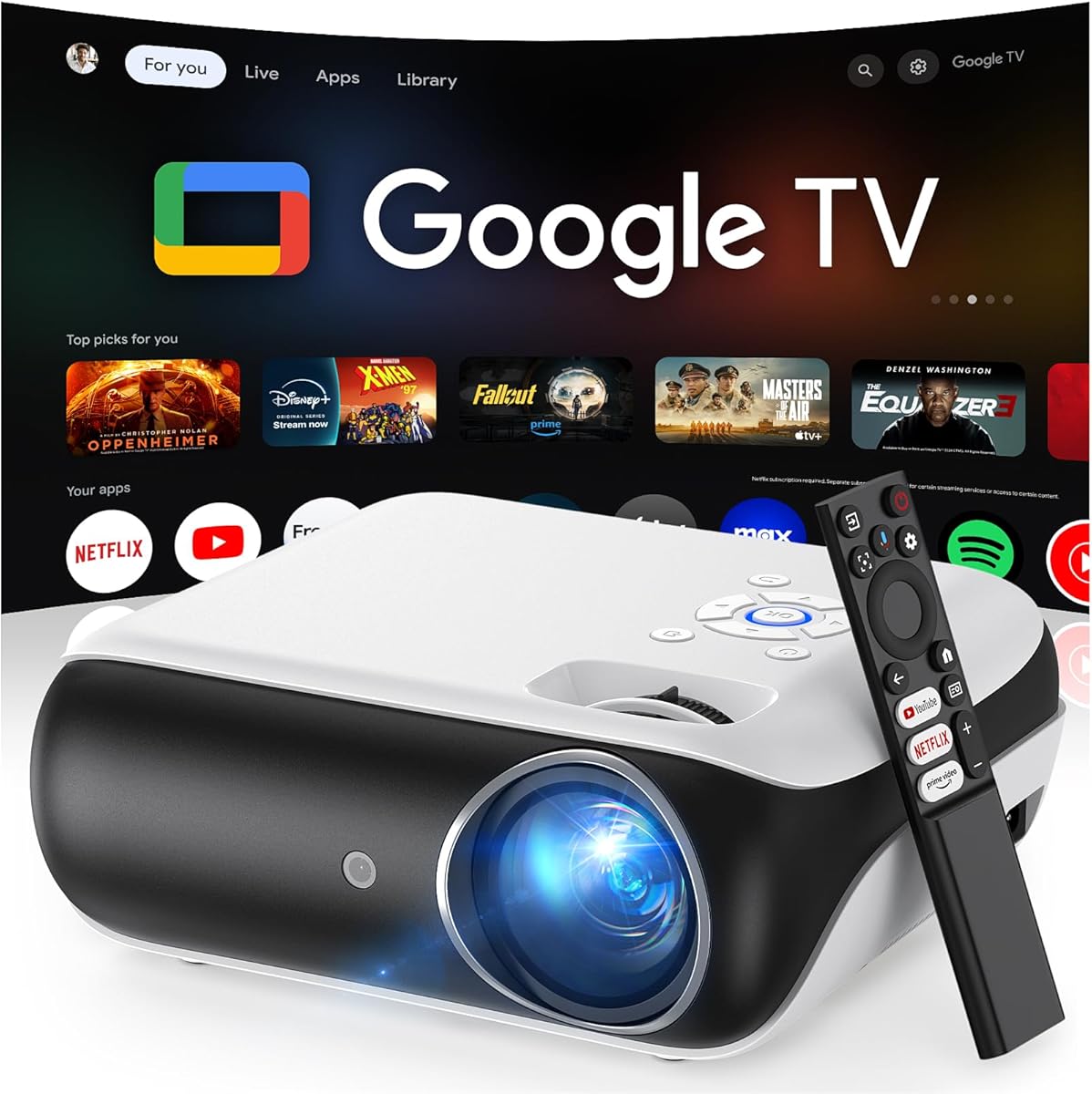
This HAPPRUN projector pairs an official licensed Google TV interface with 400 stated ANSI lumens and support for images up to 300 inches. Its 4.4 rating and relatively bright specification make it a strong option for Nintendo Switch players who want a smart projector for both console gaming and everyday streaming.
We may earn a commission when you buy through this link, at no additional cost to you.
The Google Voice Assistant can open applications, search for content, adjust volume, or provide information through the remote. WiFi 6 and Bluetooth 5.2 support streaming and wireless audio, while the built-in 5W speaker and Dolby sound effects provide a basic audio foundation. Ceiling, desktop, and tripod installation methods offer flexibility for different gaming locations.
The wording around 4K indicates supported input rather than a native 4K panel, so it should not be confused with the BenQ X500i's true 4K output. It also has one built-in 5W speaker rather than a dual-speaker or multi-channel audio arrangement. For higher-quality game audio, connecting a soundbar, headphones, or another speaker is advisable.
The HAPPRUN Google TV model is best for buyers who prioritize brightness, a polished smart interface, and large-screen flexibility. A Nintendo Switch can be connected through the projector's HDMI options, while the Google TV features make the same unit useful for streaming when the console is not in use.
The stated 400 ANSI lumens is the highest ANSI figure supplied in this comparison. It should be easier to see than lower-rated compact projectors in dim rooms, although controlled lighting remains important for the best image.
Official licensed Google TV provides direct access to supported applications and a voice assistant. This turns the projector into a more complete entertainment hub instead of a display that only handles connected devices.
We may earn a commission when you buy through this link, at no additional cost to you.
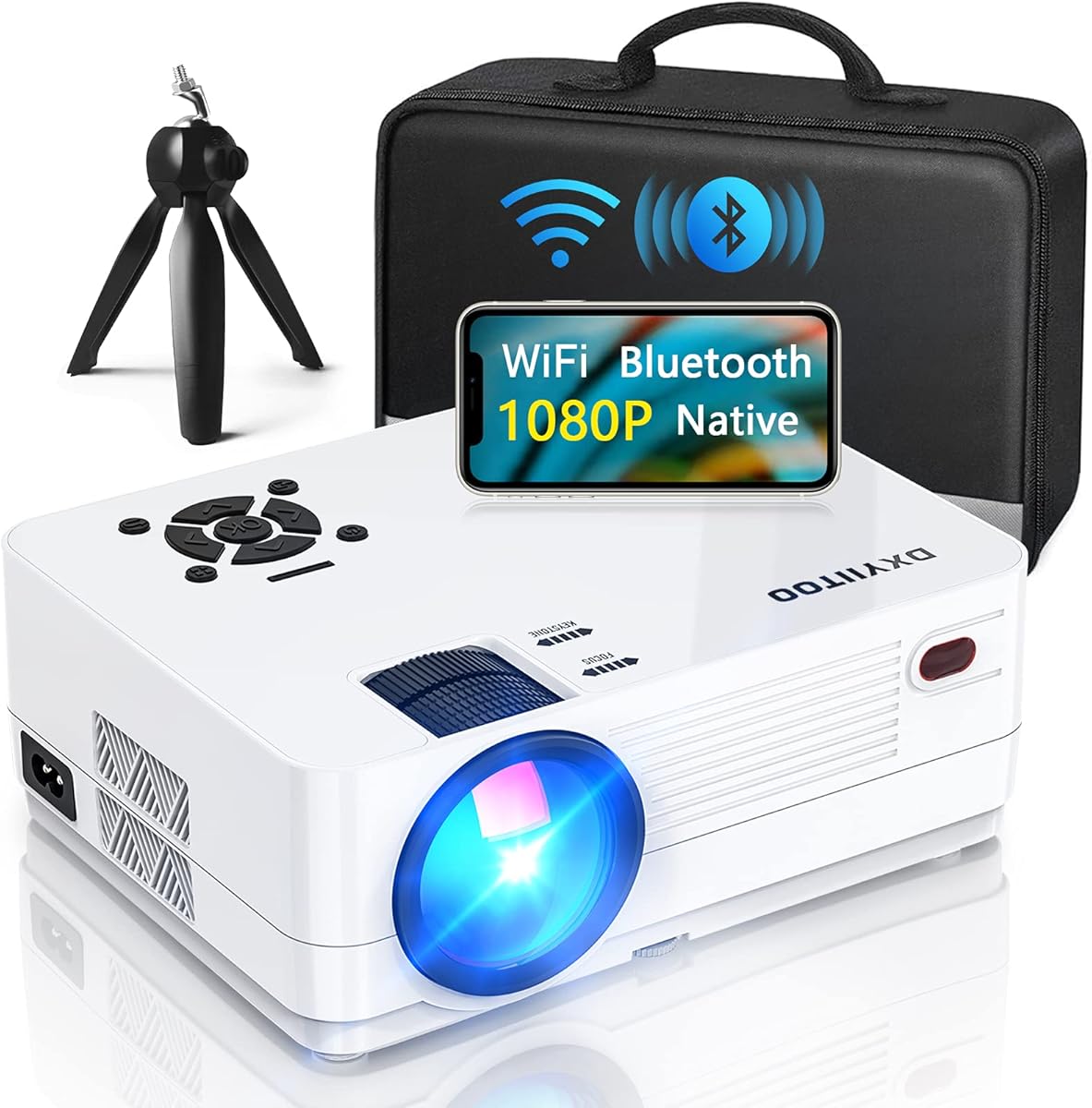
The Dxyiitoo native 1080p projector offers a broad connection platform, a maximum stated image size of 300 inches, and a 4.3 rating. It is a practical option for Nintendo Switch owners who want HDMI gaming alongside wireless sharing, USB media, older AV equipment, and wired audio.
We may earn a commission when you buy through this link, at no additional cost to you.
The port selection includes HDMI, USB, USB-SM, AV, and a 3.5mm audio jack. That makes it easier to connect a Switch dock, television box, disc player, smartphone, tablet, wired headset, or Bluetooth speaker. WiFi 6, AirPlay, and screen mirroring add wireless display options, while a built-in dual-speaker system supplies direct audio.
The stated 20,000-lumen claim is expressed in a way that differs from the ANSI measurements used by several competitors, making direct comparisons difficult. There is also no explicit Nintendo Switch mention in the supplied compatibility list. Players should therefore confirm the current HDMI behavior and accessory requirements with the seller before buying.
Despite those caveats, the Dxyiitoo model is a capable general-purpose entertainment projector. It is best for users who value port variety, screen-mirroring support, and a large maximum image over a dedicated gaming interface or compact industrial design.
Multiple HDMI and USB options support consoles, streaming boxes, computers, and local media. AV and 3.5mm connections also preserve compatibility with legacy audio and video equipment.
AirPlay and screen mirroring can share supported content from iOS or Android devices, while Bluetooth 5.2 supports external speakers. These features add flexibility beyond the wired Switch gaming path.
We may earn a commission when you buy through this link, at no additional cost to you.
The AuKing 1080p mini projector has a 4.3 rating and a straightforward feature set aimed at home theater, gaming, and outdoor entertainment. It supports a 35-to-200-inch image and offers HDMI, VGA, AV, and USB connections, making it a versatile option for Nintendo Switch setups in many different rooms.
We may earn a commission when you buy through this link, at no additional cost to you.
Its dual stereo speakers provide integrated sound, and a cooling system is designed to reduce fan noise. The projector can also connect to external speakers for a more powerful gaming experience. A long listed LED lifespan and support for home movies, sports, parties, games, and learning broaden its intended uses.
The product description calls the resolution 1080p supported, which should not be treated as the same as native 1080p. It also lacks integrated streaming applications, so services such as Netflix, Prime Video, and Hulu require a compatible TV stick or Roku device. A Nintendo Switch connection would be made through HDMI, with any necessary dock or adapter arranged by the player.
The AuKing is a sensible choice for Nintendo Switch owners seeking a traditional home-theater projector with several physical connection options. It is less compelling for buyers who prioritize native resolution, gaming-specific latency data, or an integrated smart interface.
HDMI serves modern consoles and computers, while VGA and AV cover a range of other devices. USB adds a path for local media and broadens the projector's usefulness beyond gaming.
A stated projection range from 35 to 200 inches allows the same unit to serve a small bedroom screen or a much larger outdoor display. The actual size depends on available distance and placement.
We may earn a commission when you buy through this link, at no additional cost to you.
The BenQ X500i is the premium gaming-focused choice in this guide. Its supplied specifications emphasize true 4K projection, a response time as quick as 4 milliseconds at 1080p and 240Hz, a short throw, Google-certified Android TV, and advanced home-theater audio. These characteristics make it the most ambitious option for Nintendo Switch gaming and living-room entertainment.
We may earn a commission when you buy through this link, at no additional cost to you.
The 0.69-to-0.83 short-throw ratio allows a large image in a confined bedroom or gaming room, reducing the need to place the projector far from the screen. The included ceiling mount adds another installation option. A Nintendo Switch connects through HDMI, and the projector's gaming emphasis suggests it is designed to minimize delay, although the Switch's own output specifications limit the attainable refresh rate.
The 4ms figure is tied to 1080p at 240Hz, not to the Switch's standard 60Hz output. A Switch can still benefit from low-latency handling and the projector's image processing, but buyers should not expect console output to reach the projector or monitor's maximum refresh rate. The supplied product record also has no customer rating, so there is no user-score basis for comparison in this review.
The X500i is best for buyers who want a dedicated gaming display, regular use in a compact room, and a high-end home-theater experience beyond what the Switch alone can provide. It is also a strong platform for modern consoles and computers, making it a more versatile investment for a multi-device entertainment setup.
The stated 4ms response at 1080p and 240Hz demonstrates the projector's gaming emphasis. Those maximum modes exceed Nintendo Switch output limits, but low-latency processing can still make responsive console play a priority.
The short-throw design produces a large image without requiring an unusually long distance from the wall. Digital zoom adds further placement control, and the included ceiling mount supports a permanent installation.
We may earn a commission when you buy through this link, at no additional cost to you.
The most important factors are connection method, native image quality, placement flexibility, audio, and how often the projector will be moved. A model can look excellent on paper but still feel wrong if it is too large, lacks the needed ports, or cannot handle your preferred gaming space.
A Nintendo Switch normally sends its display signal through the console's USB-C output, while the official Switch dock uses HDMI. To use a projector, most players will therefore need the dock or a compatible video adapter that supports the Switch's display output. Some projector listings explicitly mention Nintendo Switch, while others list only general HDMI compatibility, so confirming the required adapter and dock in advance can prevent setup problems.
A reliable wired connection is generally the safest approach for gaming because it avoids wireless lag and app-dependent mirroring limitations. The projector should have a full-size HDMI input, and the included cable, if any, should also support the signal needed by the console. A dock's output resolution and refresh behavior must also be considered rather than assuming every HDMI source behaves identically.
Native resolution indicates the number of pixels the projector actually produces, while input support describes the maximum signal it can accept. These are not interchangeable. A native 1920×1080 projector is a balanced match for ordinary Nintendo Switch output, whereas a projector that merely supports 4K may still display a lower-resolution image internally.
Resolution alone does not determine perceived sharpness. Focus accuracy, contrast, color, and screen size all influence the result. For most Switch players, native 1080p is more relevant than 4K support, because the console does not output a native 4K signal. Premium true 4K projectors can still look sharper with menus, text, and non-Switch sources.
Brightness determines how visible the image remains when the room is not completely dark. ANSI lumens are a more standardized way to compare brightness than vague lamp or source brightness claims, so they deserve particular attention. Even a bright projector looks better with curtains, shades, or controlled lighting, and direct sunlight should always be avoided.
A Nintendo Switch session is often more demanding visually than casual streaming because dark scenes, small interface text, and fast motion need to remain legible. If the projector will be used primarily in a darkened bedroom, native 1080p and good contrast may matter more than a high brightness claim. Outdoor use requires a brighter unit and a screen positioned where ambient light is controlled.
Consider the distance from the console to the screen, the available furniture, and whether the projector needs to travel. Compact models are easier to move between a bedroom, living room, and campsite, while larger units may be better for a permanent installation. A rotating stand, flexible throw ratio, ceiling support, and automatic keystone correction make placement much easier.
Short-throw capability is particularly useful in compact rooms because it can produce a large image without placing the projector far from the screen. Ceiling projection can also improve floor space, but buyers should check cable routing, ventilation, and whether the stated mounting hardware suits their ceiling. Larger screens are not automatically better, since brightness and focus become more demanding as the image expands.
Projector speakers are usually designed for convenience rather than cinematic power, so sound expectations should match the device size. Dual speakers, larger base-mounted drivers, and support for Dolby processing can improve dialogue and effects. A Nintendo Switch session may be more satisfying with a soundbar, wireless speaker, or headphones, particularly for competitive games where accurate cues matter.
Bluetooth support is almost always about audio rather than video. Two-way Bluetooth can send audio from the projector to headphones or speakers and may also let the projector function as a music speaker. It should not be confused with a wireless method for receiving the Switch's image. Check the available 3.5mm, optical, eARC, or other wired audio outputs if your preferred sound system relies on them.
A built-in Roku TV or licensed Google TV interface can turn a gaming projector into a complete entertainment system. It eliminates the need for a streaming stick and may offer a more consistent interface for popular applications. Apple AirPlay, Chromecast, and phone screen mirroring add convenience for other content, but they do not replace HDMI for standard Nintendo Switch gaming.
Smart functionality introduces account requirements, network dependence, and occasional app restrictions. A dedicated gaming display may be simpler and more reliable for console use. A non-smart projector can still be excellent, provided the buyer is comfortable adding a Fire TV Stick, Chromecast, or another streaming device and has a suitable HDMI input.
Input lag can make movement and timing feel less precise, especially in fast action, racing, fighting, and competitive games. Some projector listings publish response times, but the figure may apply only to a specific resolution and refresh rate. Nintendo Switch output is generally below those maximum gaming modes, so players should look for general low-latency behavior and independent controller responsiveness.
A game-specific test is the most useful comparison because it reveals whether the connection path, projector processing, and selected mode add noticeable delay. Marketing language such as smooth or lag-free is less informative than a clearly stated response time tied to operating conditions. High refresh rates can benefit other consoles and computers even when the Switch cannot use them.
A proper screen can improve contrast, color, and edge clarity compared with a plain wall. Some mini projectors include a folding screen, while others require a separate purchase. Consider the available space, screen surface, and whether the package includes a tripod, remote, HDMI cable, power supply, or mounting hardware needed for the intended setup.
Portable projectors also need ventilation and occasional lens care. Dust can create dark spots in the image, so the lens should be inspected and cleaned as directed by the manufacturer. Leave clearance around vents, avoid blocking cooling openings, and follow the power requirements for the included adapter or USB-C source. A clean lens and stable temperature help preserve picture quality over time.
Begin by placing the projector opposite a suitable screen or wall, allowing the required clearance around its vents. Connect the Nintendo Switch dock to the projector's HDMI input, power the console and projector, and select the correct HDMI source. Use the projector's focus and keystone controls until the image is sharp, level, and correctly framed. If the Switch is being used away from its dock, confirm that a compatible adapter supports video output before starting a game.
For the best image, darken the room and avoid direct sunlight. Start with a moderate image size rather than the maximum stated by the manufacturer, then increase it if brightness remains satisfactory. Keep the console and projector on stable surfaces, use the included or specified power adapter, and avoid moving the projector while it is operating. When changing a game's aspect ratio, confirm that the projected image fills the screen without accidental cropping.
Clean the lens only as the manufacturer recommends, and use a soft, dry method to prevent scratches. Keep the unit away from excessive dust, moisture, and heat, and never block its cooling openings. Periodically inspect cables and connections, particularly if the Nintendo Switch dock or external speakers are moved frequently. Software, firmware, and supported applications may also change over time, so check the current setup guidance before relying on streaming or wireless features.
Most projectors with an HDMI input can display the Nintendo Switch through the console's dock or a compatible USB-C-to-HDMI video adapter. The adapter must support video output, not only charging or data transfer. A full-size HDMI connection is generally the most dependable option for gaming and avoids many of the restrictions associated with wireless screen mirroring.
No. Nintendo Switch games are sent through the console's display output, not through a streaming platform. A built-in Roku TV or Google TV interface is useful for watching other content without adding a streaming stick, but it does not materially improve the basic wired gaming connection.
For standard Switch output, native 1080p is a sensible target and can produce a clear image at a reasonable viewing size. A native 4K projector may add sharpness for text and other sources, but the console does not provide a native 4K signal. Focus, contrast, brightness, and screen quality remain important at every resolution.
Bluetooth on these projectors is generally intended for audio rather than video. The Switch image should be sent through HDMI using the dock or a compatible video adapter. Bluetooth can be used separately to connect headphones, a soundbar, or another compatible speaker for game audio.
A short-throw projector can be advantageous in a bedroom or compact living room because it creates a large image from a shorter distance. It also leaves more floor space between the console and screen. Placement still depends on the room, the projector's specified throw ratio, and the desired image size.
The best size depends on viewing distance, room dimensions, brightness, and personal preference. Very large images can make a compact projector's text and dark details harder to see, while a moderate screen may be more comfortable. A 60-to-100-inch range is a common starting point for many portable projector rooms, but the manufacturer's guidance should be checked before final placement.
Blackout curtains or similar light control materially improve the image by reducing reflections and increasing perceived contrast. They are especially helpful with lower-brightness projectors or in rooms that cannot be made dark. They are less critical for a high-brightness unit, although direct sunlight should still be avoided.
The Switch cannot use every high-refresh mode offered by modern gaming projectors, so a 240Hz specification does not translate into 240Hz Switch output. Low-latency processing can still improve responsiveness, but buyers should prioritize the performance at the console's actual output mode rather than choosing solely by the highest advertised refresh rate.
The Aurzen Roku TV E1R is the strongest all-around choice because it combines the highest listed rating with a compact body, flexible 180-degree stand, built-in Roku TV, and useful Bluetooth audio functions. For buyers seeking a simpler dedicated gaming display at a lower cost, the HAPPRUN H1 offers native 1080p resolution and a generous maximum image size.
Prioritize the connection method first, followed by native resolution, brightness, placement flexibility, and audio. The included-apps mini projector explicitly supports Nintendo Switch and adds ceiling projection, while the TMY V08 includes a folding screen. The BenQ X500i stands apart for buyers who want true 4K, very low stated latency, short-throw placement, and premium audio features beyond the Switch's own capabilities.
Current prices, promotions, bundle contents, and availability can change, so confirm the latest listing and accessory details before purchasing. Also verify whether your setup requires the official Switch dock or a separate compatible adapter, and check the projector's power, HDMI, and lens-care requirements. Those practical checks can prevent common setup problems.